Borderline getting started
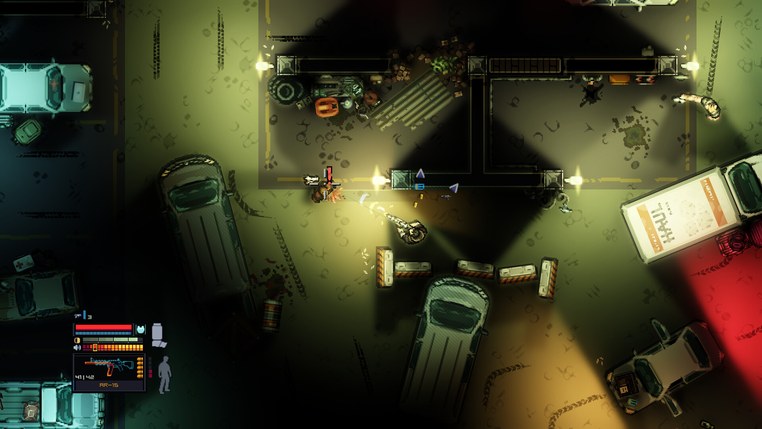
Read the objective, watch the first patrol and choose a second exit before contact. Steam Deck players should update to 1.3.1 for the Proton startup fix.
Borderline is free on Steam and includes two missions. Install it from its own Steam page and let Steam finish updating before you launch.
Set up your first run
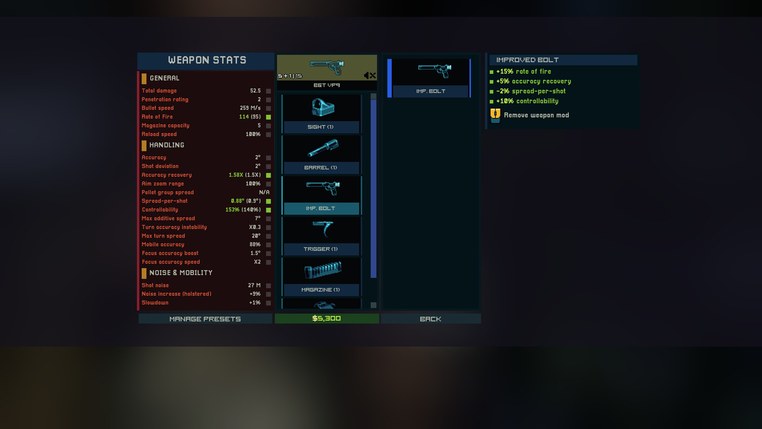
- In the options, check which keys or buttons control prone, interaction, reload and gadgets. Try them in a quiet area before a fight.
- Leave the optional compute-shader path at its default for your first launch. Version 1.3.0 moved the renderer to DirectX 11. On Steam Deck, 1.3.1 fixes a Proton startup crash and adds a fallback if compute shaders fail to compile.
- Pick the objective you want for this run. Finishing the mission, staying undetected and avoiding kills are separate goals. The achievement list helps you choose a challenge for a later run.
Clear your first few rooms
- Read the current objective before opening a door. Identify what you must reach or interact with and what you can leave alone.
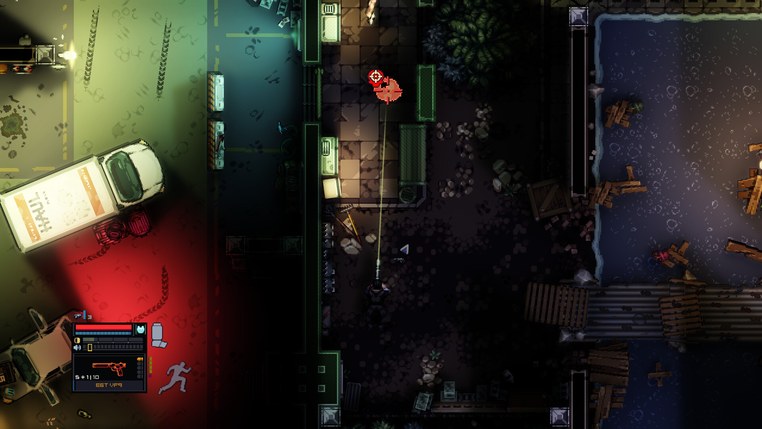
- Let the nearest patrol turn away, then move to a dark position with a view of the next crossing.
- Pick a fallback on the way in. Look for a side room, solid corner or climb you can use if the approach closes.
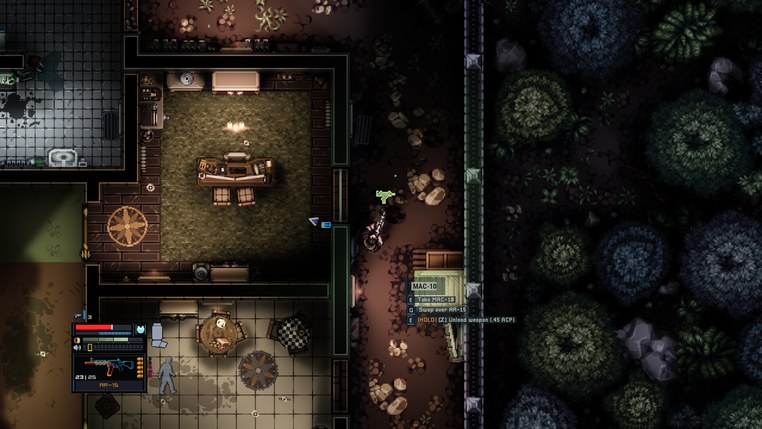
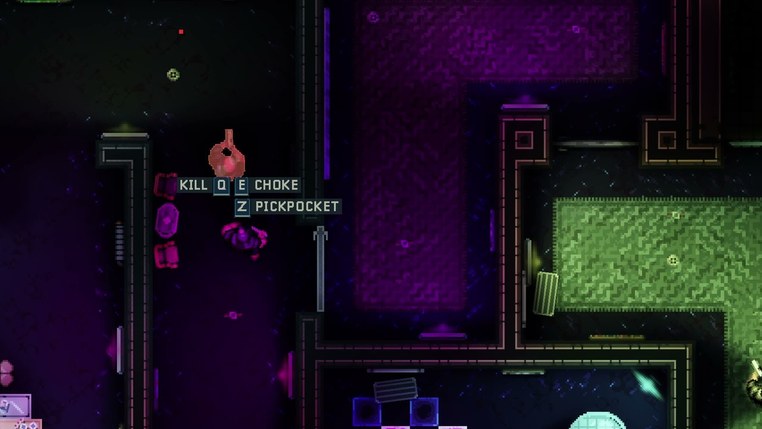
- Choose a prompt only when it solves a problem. Pickpocket to take a carried item, choke for a non-lethal takedown, or leave the guard on their route if you can pass.
- Check the objective again when it changes. Plan the next crossing using the current patrols and your remaining gear.
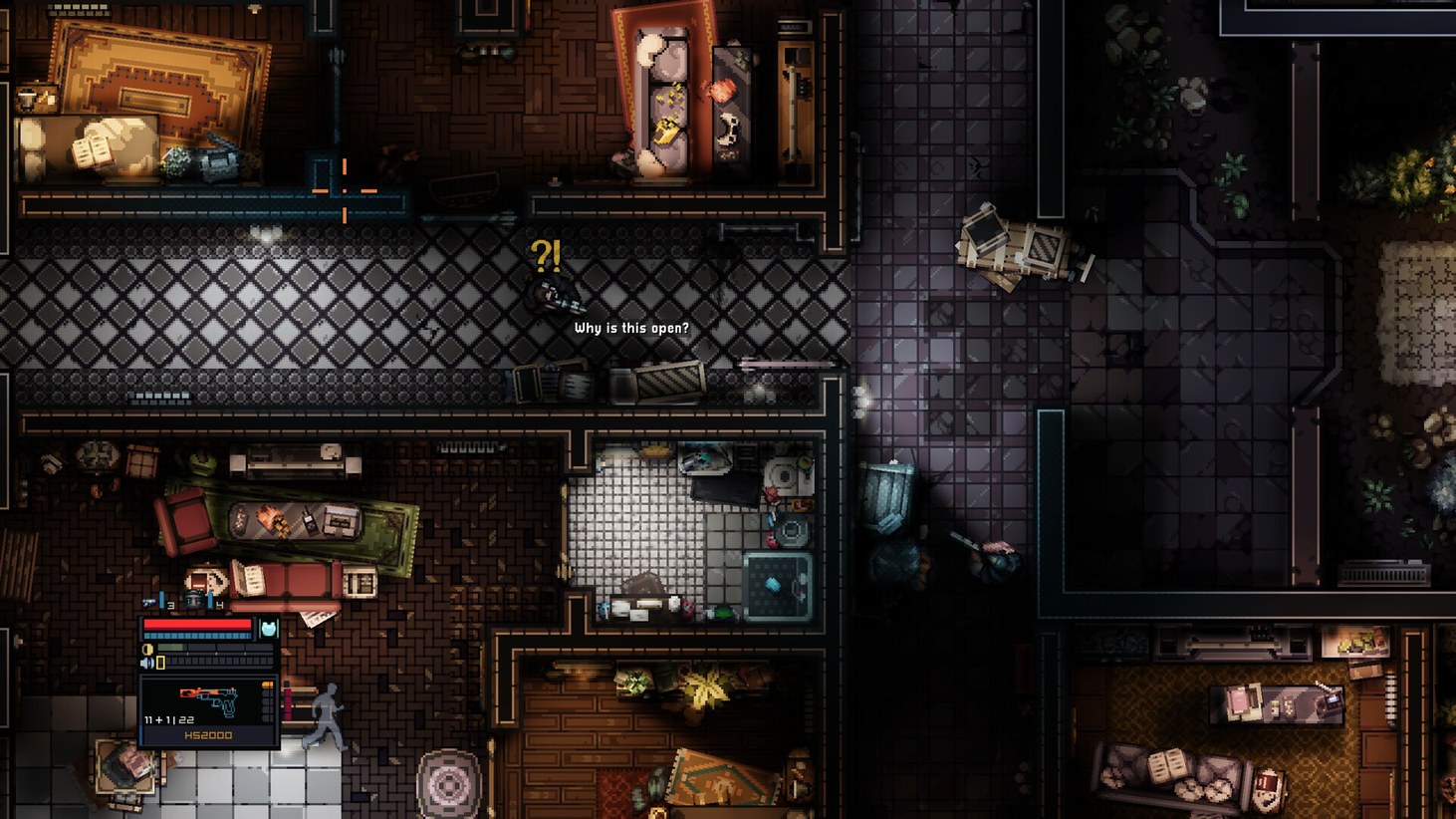
If the quiet plan breaks
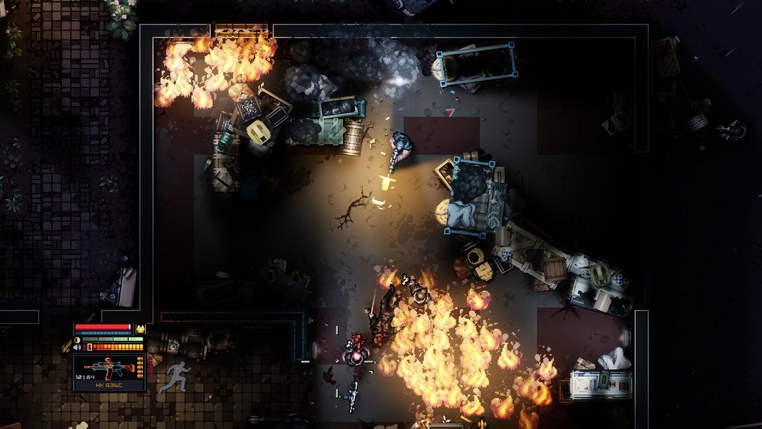
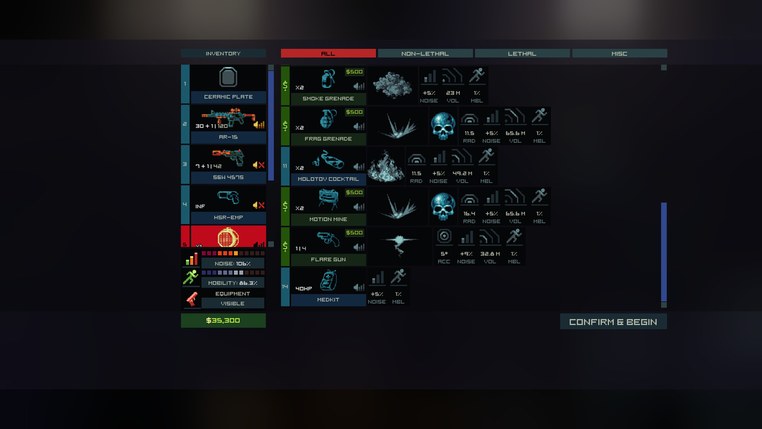
Move off the last line of sight before checking where the guards went. They can now hold that angle while another enemy flanks, or gather for a group breach. If you throw smoke, check the open windows that could carry it away from your intended crossing.
If you have to reload or heal, take a solid corner first. Since 1.3.0, a climb cancels an active medkit or painkiller. Finish using it before taking a window route.
Noise and alertness · Mission checklist · Steam Deck startup help